Show Shapes
Here we briefly show how to call the dataset functions in tadasets as well as a simple plotting utility.
[1]:
import tadasets
import matplotlib.pyplot as plt
[2]:
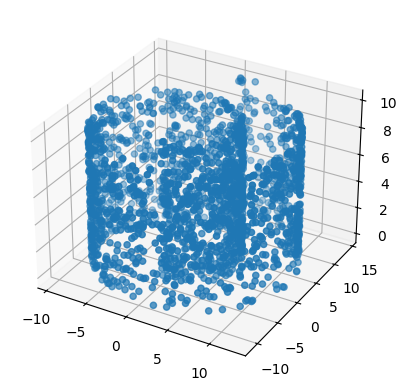
t = tadasets.torus(n=2000, c=10, a=2)
tadasets.plot3d(t)
[2]:
<Axes3D: >
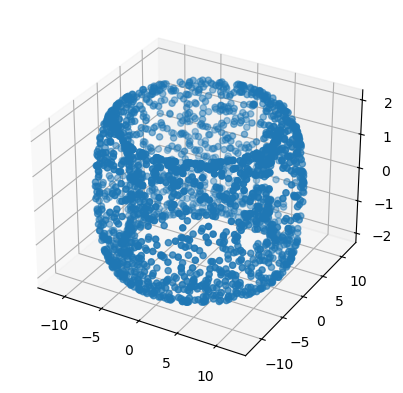
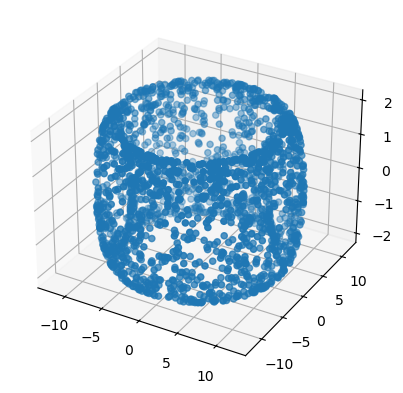
The torus now includes an option for more uniform sampling. This method uses rejection sampling to ensure that the number of points in a region is roughly proportional to the area of that region.
[3]:
t = tadasets.torus(n=2000, c=10, a=2, uniform=True)
tadasets.plot3d(t)
[3]:
<Axes3D: >
[3]:
t = tadasets.sphere(n=1000, r=4)
tadasets.plot3d(t)
[3]:
<Axes3D: >
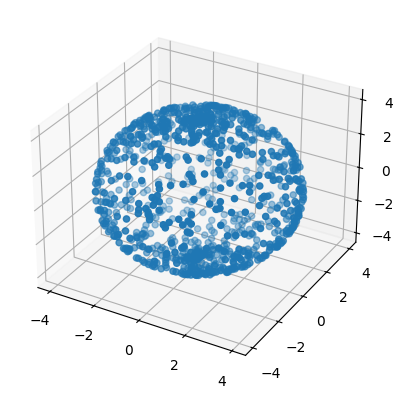
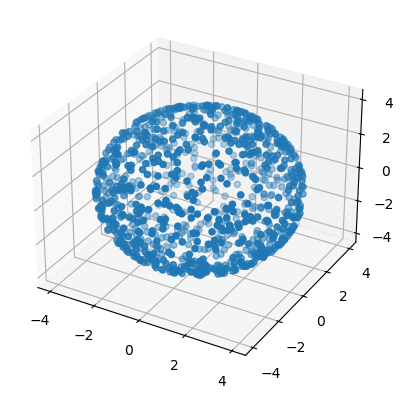
Similarly, sphere also has an option for more uniform sampling. This method simply uses independent guassians to uniformly sample the sphere.
[4]:
t = tadasets.sphere(n=1000, r=4, uniform=True)
tadasets.plot3d(t)
[4]:
<Axes3D: >
[4]:
t = tadasets.swiss_roll(n=2000)
tadasets.plot3d(t)
[4]:
<Axes3D: >
[5]:
t = tadasets.infty_sign()
plt.scatter(t[:, 0], t[:, 1])
plt.show()
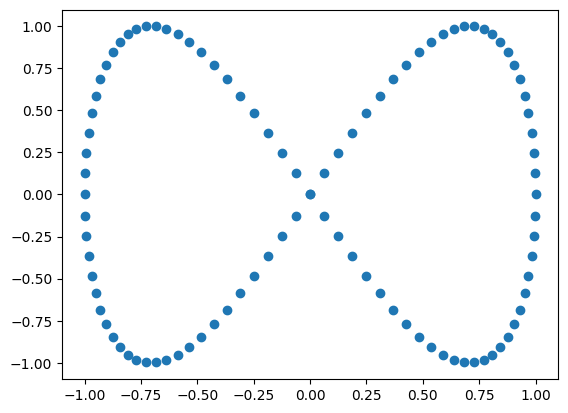
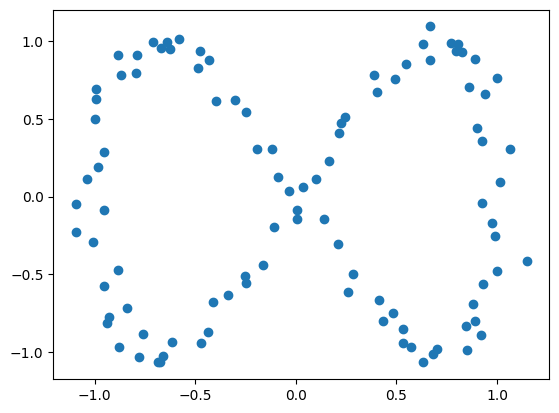
The noise parameter corresponds to the standard deviation of Gaussian noise applied to a dataset. For the above “infinity sign” dataset, we see the efect of noise=0.05 below.
[6]:
t = tadasets.infty_sign(noise=0.05)
plt.scatter(t[:, 0], t[:, 1])
plt.show()
[7]:
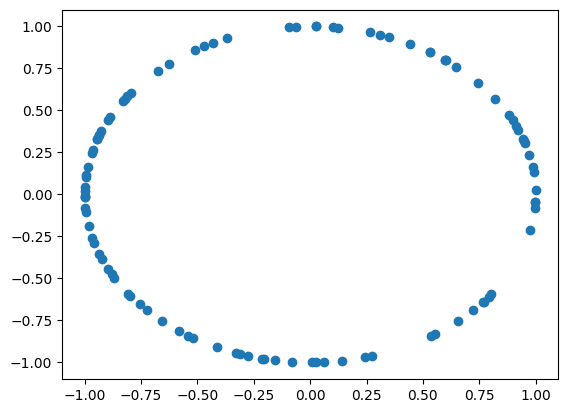
t = tadasets.dsphere(d=1)
plt.scatter(t[:, 0], t[:, 1])
plt.show()
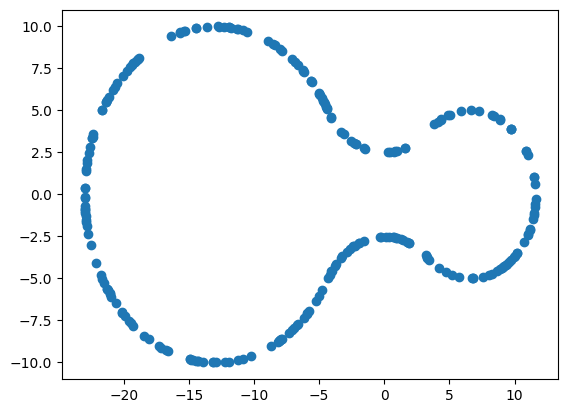
[8]:
t = tadasets.eyeglasses(n=250, r1=10, r2=5)
plt.scatter(t[:, 0], t[:, 1])
plt.show()

 scikit-tda/tadasets